Colloq brings together a shared Python notebook, lecture slides and individual student answers. Pick your route, from preparing a class to restoring a server.
Run a class
Create a room, choose the rules and invite your group.
02 / FOR STUDENTSJoin a class
Open the link, work in the notebook and keep the materials.
03 / FOR ADMINSRun your own server
Install a release, set the address and check that code runs.
How a room works
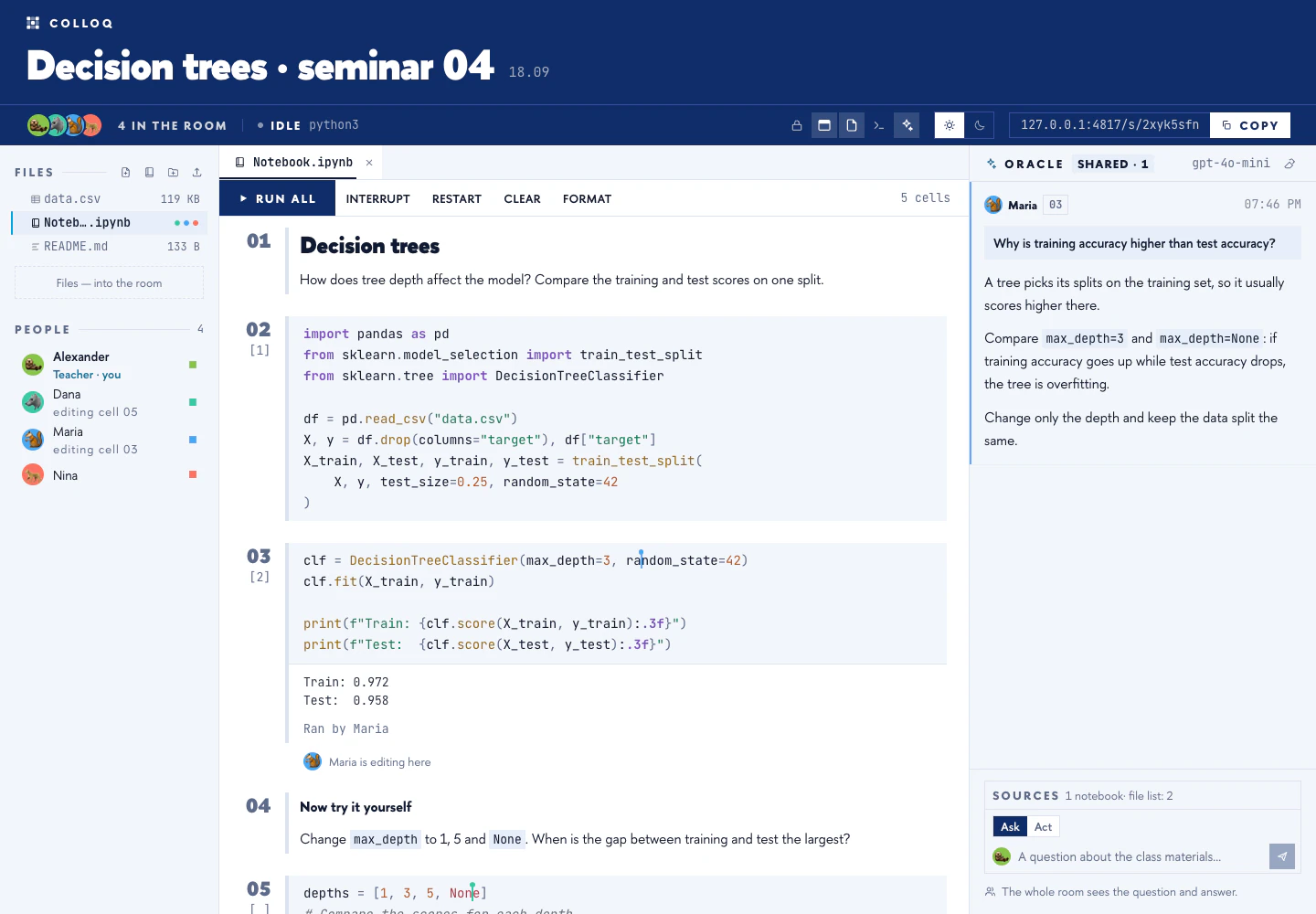
A teacher creates a class on their own Colloq server. Students open its link and enter a name. In a standard class the group shares one notebook, one set of files and one Python kernel: a variable defined in the first cell is available in the next. A room can hold several notebooks, and they all run in the same kernel.
Pick a format
Before you start
Colloq runs on your own server. This site holds the documentation and the product overview; the class room itself opens at the address your teacher shares.
Colloq is an open-source project under the MIT license. The source code is at github.com/colloq-edu/colloq, and server releases are published on its Releases page. To run a class on your own computer, install the package and start the server:
pip install colloq
colloq start
You need Docker (on macOS 14+ and Linux x64/arm64 the package brings its own Node.js; elsewhere it needs Node.js 22 or newer); class data is stored in ~/.colloq. The server guides describe a versioned process with a manifest and images; they are no substitute for testing a specific release on your own machine. To work on the source code, use development mode.
Each room gets its own kernel and file directory. Participants in the same room share one runtime. For details and limits, see the isolation guide.